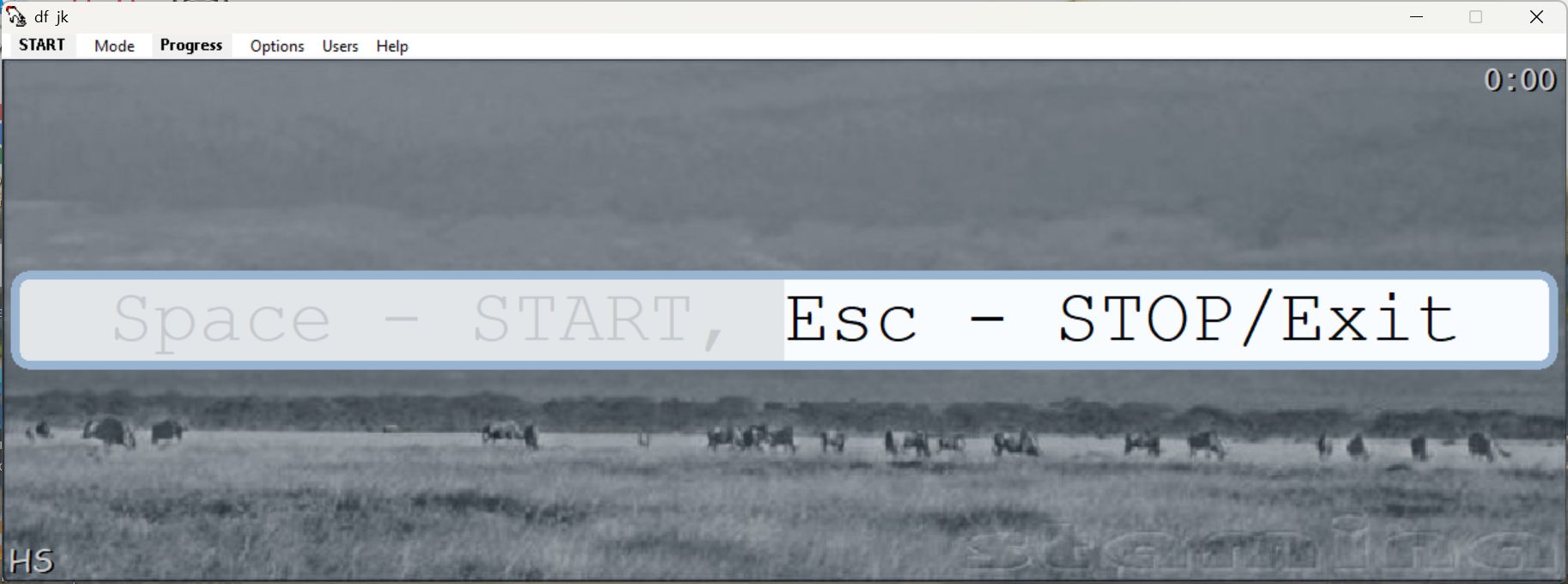
Stamina Typing Tutor is a completely free, classic touch-typing application. Developed by TypingSoft, this software helps users improve their typing through exercises focused on speed, accuracy, and keyboard familiarity. There are structured lessons and practice sessions within the application that not only build your familiarity but also help you consistently improve.
While it features a dated user interface that reflects its age, it surprisingly remains popular among typing enthusiasts today. The application is doing well mainly because of its lightweight design, customizable lessons, and an engaging approach to typing.
One of the features we would like to mention before we head into specifics is the quirky humor within the application, such as the playful messages, amusing sound effects, and a retro style that makes Stamina Typing Tutor quite entertaining.
Lessons, exercises, and typing practice
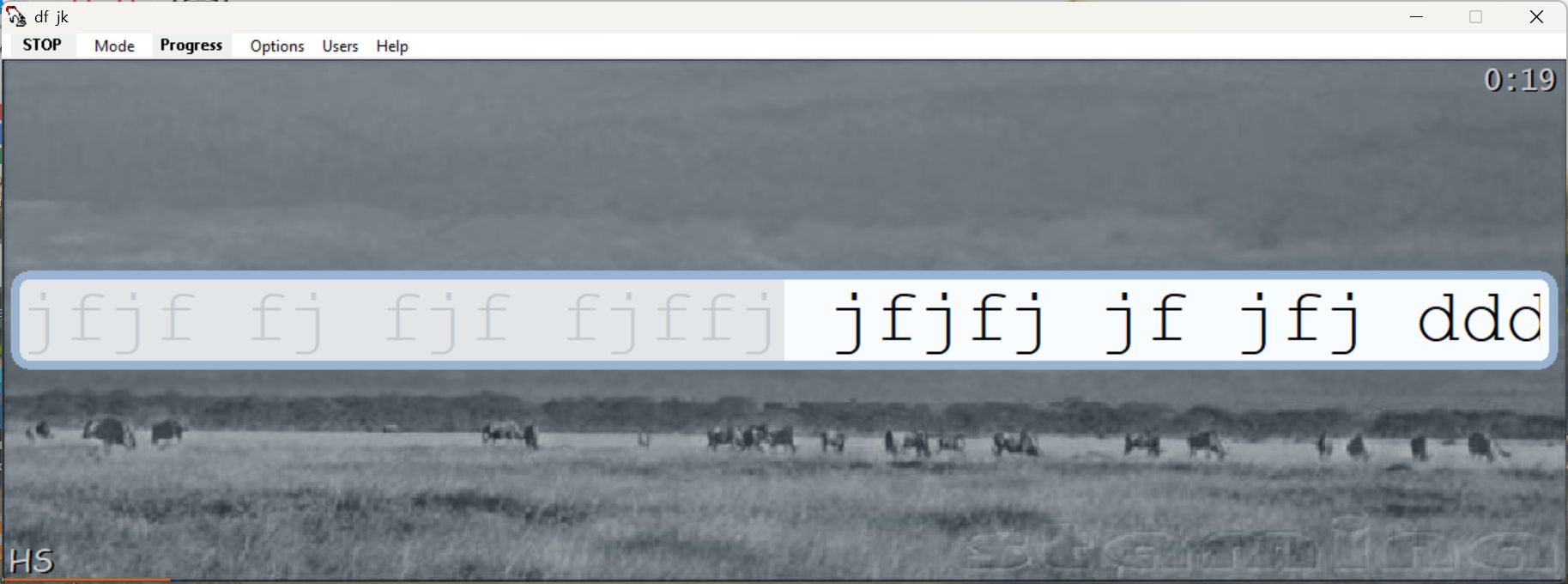
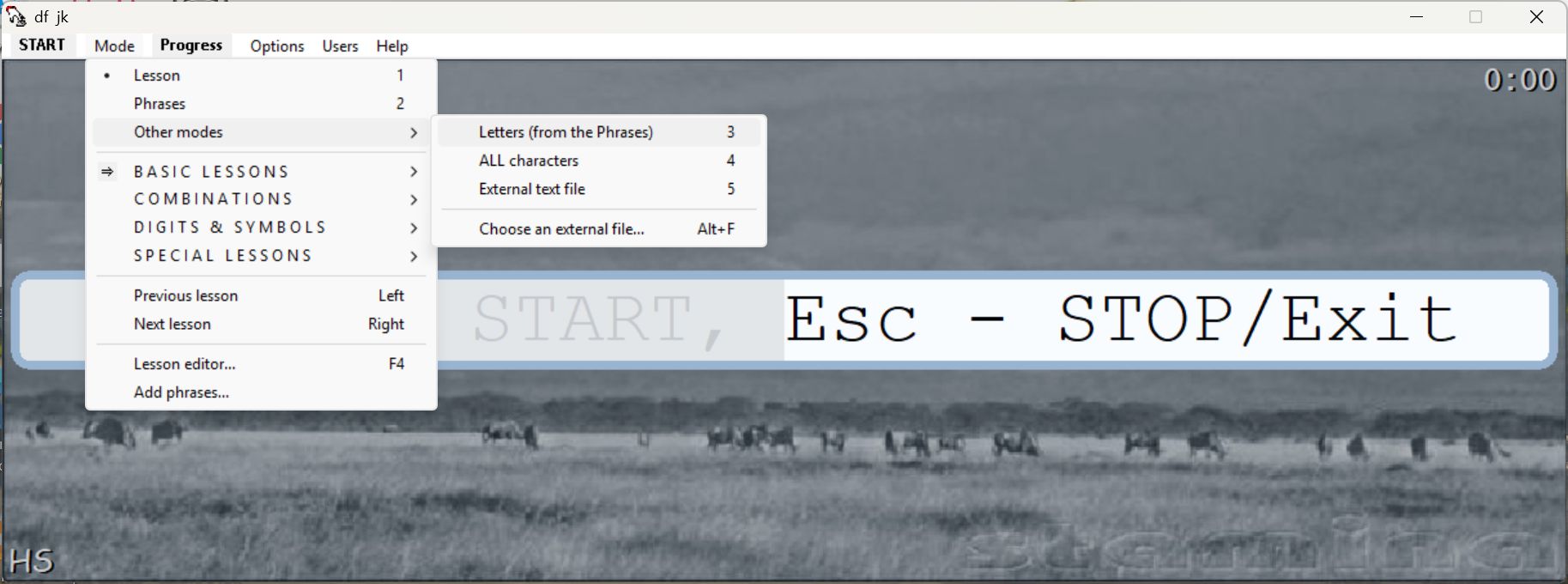
One of the unique selling points (USPs) of the app is the variety of lessons that the company has designed to consistently improve typing ability. When it comes to the lessons, the focus is on mastering specific keys instead of writing entire sentences right away. This helps you correctly position your fingers, allowing you to naturally build muscle memory.
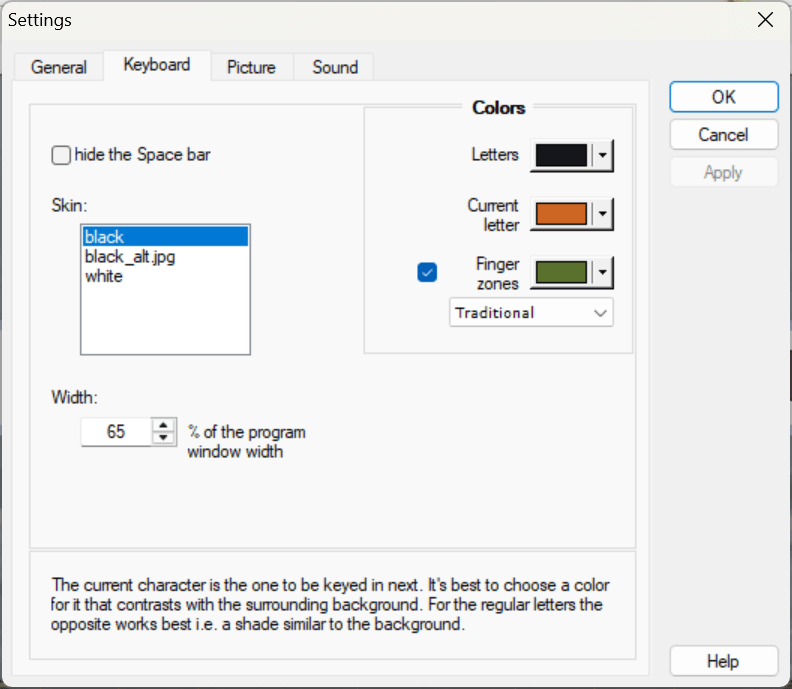
Users then move on to more complex combinations after mastering specific keys. This step-by-step approach helps reinforce your skills, and investing time in this progression is highly rewarding. It also includes a lesson editor that gives advanced users the ability to create personalized exercises according to their own requirements. The app also comes with a virtual keyboard with highlighted finger zones.Progress tracking and customization
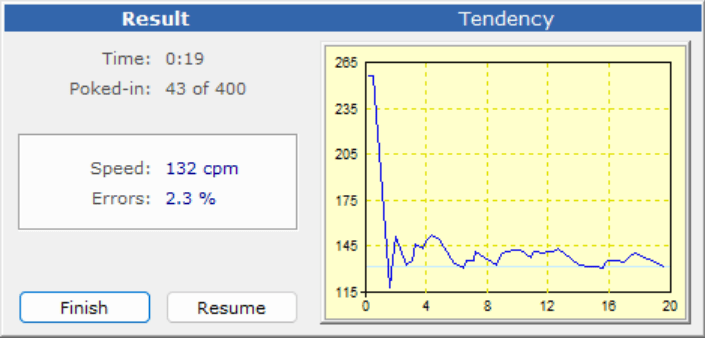
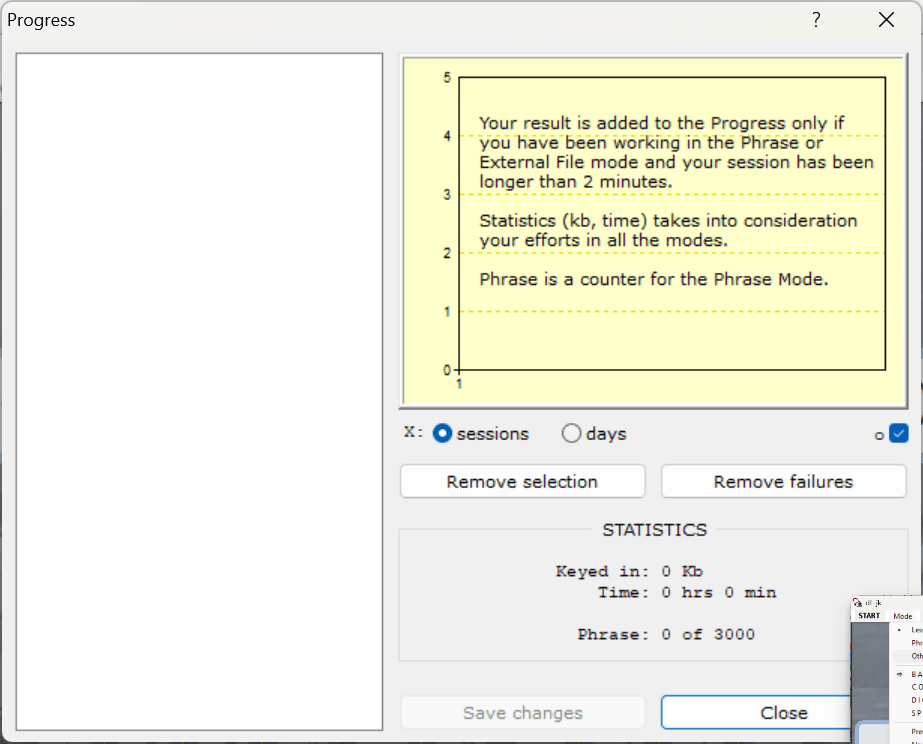
When it comes to improving your typing, analytics are crucial. Stamina Typing Tutor provides detailed statistics and progress tracking. This helps users monitor their improvements over time and feel confident in their abilities. Analytics include typing statistics, speed graphs, session history, and accuracy percentage.
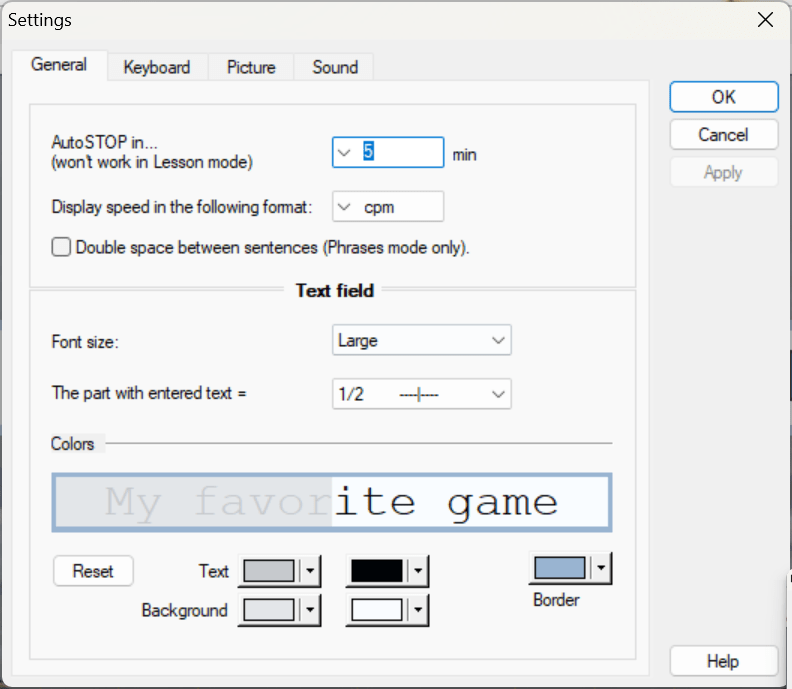
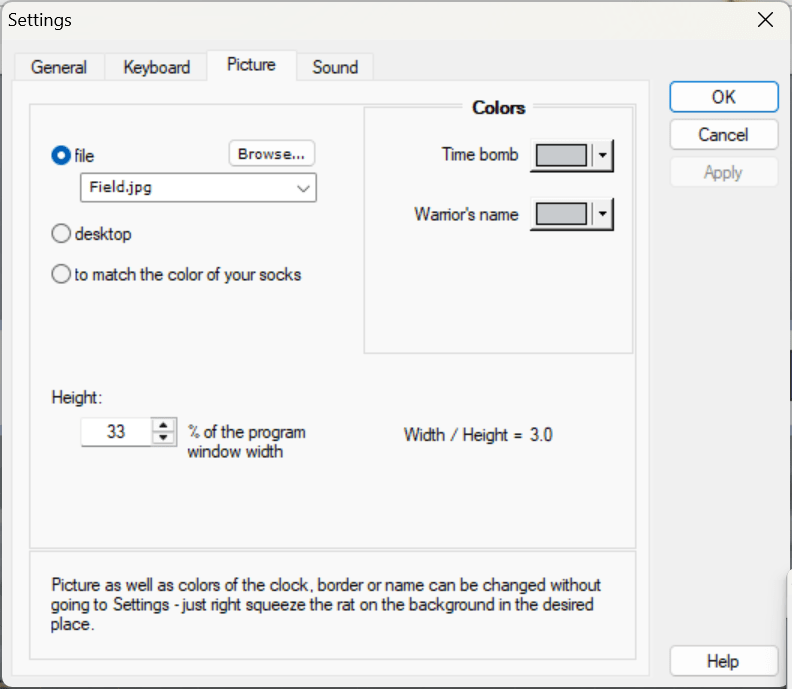
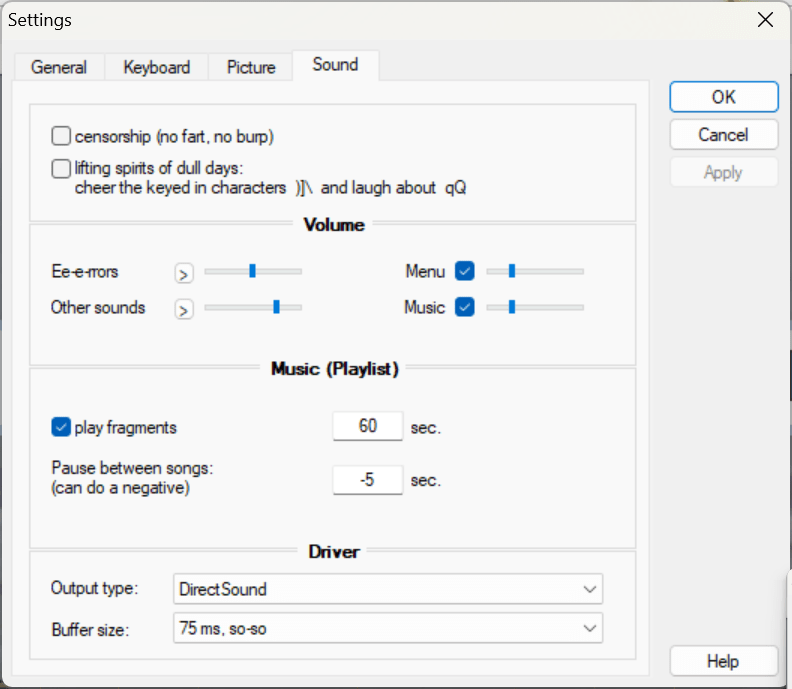
Over time, customization has become a very strong point within the application, with users having the option to modify the appearance of the interface, change sounds, and adjust lesson complexity.Performance and overall experience
Since it is an old application, the system requirements are quite low. It runs flawlessly even on older PCs thanks to its lightweight design. It launches quickly and remains stable throughout long typing sessions. While the user interface feels outdated, if you can look past it, it is a great experience.A fun and effective typing tutor
Stamina Typing Tutor offers an enjoyable and practical way to learn typing and consistently improve. It combines customizable lessons, detailed progress tracking, and a lightweight design. If you are a beginner, then this app will definitely help you build up your typing skills with accuracy.